Apple Messages for Business Invitations: How Brands Start the Conversation
Business Invitations let approved brands invite opted-in customers into Apple Messages for Business. How they work, the rules, and which MSPs support them.
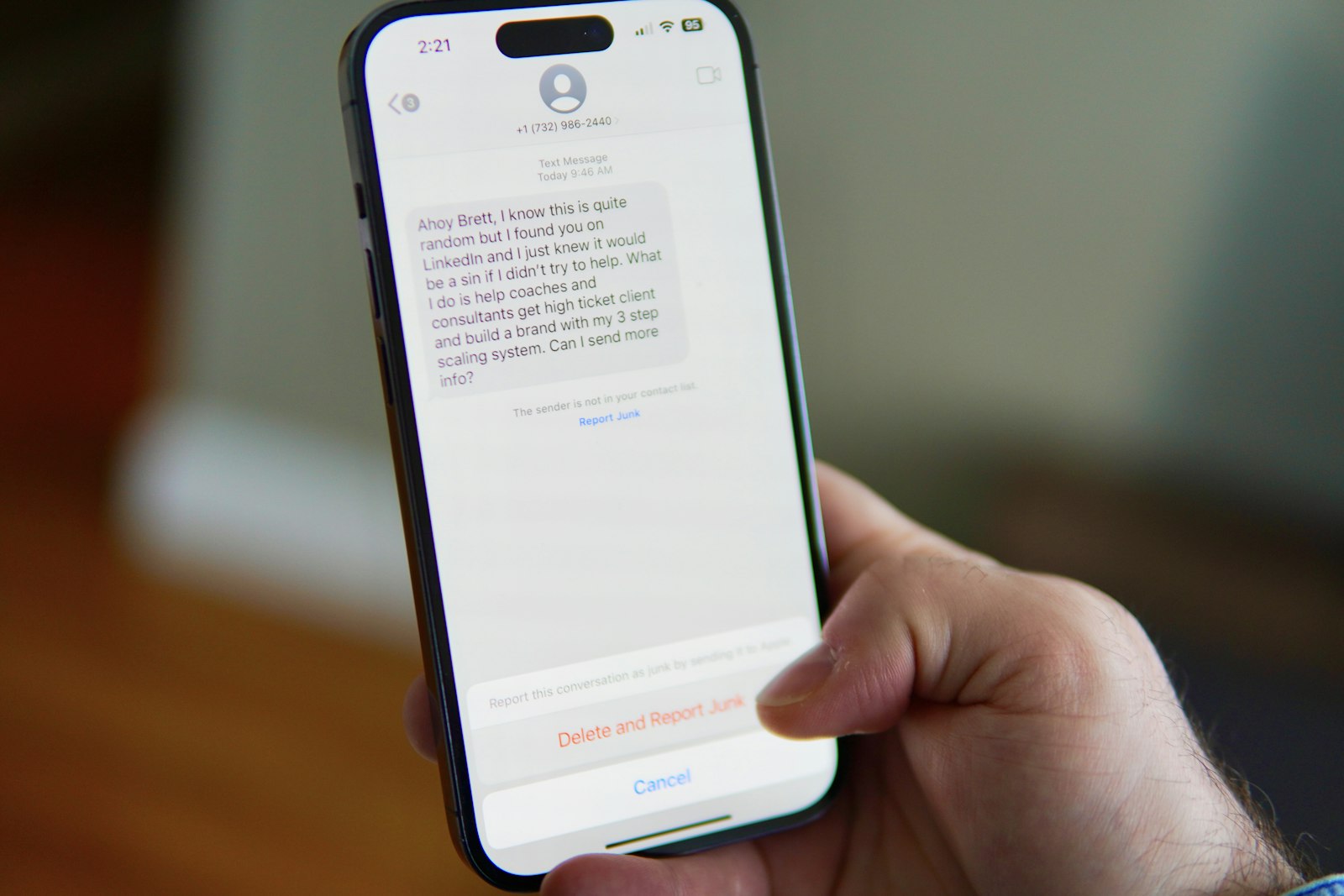
For its entire history, Apple Messages for Business followed one unbreakable rule: the customer starts the conversation, and the brand can only respond. Business Invitations change that. Apple documents the feature as invitation messages in the official Business Updates REST API. An approved brand can proactively invite an opted-in customer to open a conversation in Messages — without turning the channel into another outbound marketing firehose.
This guide explains what Business Invitations are, the history and pain point that led Apple to build them, exactly how they work, the rules Apple enforces, and which Messaging Service Providers already support them.
What Are Apple Messages for Business Invitations?
A Business Invitation is a branded, Apple-approved, template-based message sent to a customer's phone number, inviting them to start a conversation with a brand inside Apple Messages for Business. Apple’s Business Updates page is the official spec: opt-in, Apple-managed templates, and a phone-number destination before an Opaque ID exists. If the customer accepts, the interaction becomes a full two-way conversation.
The key shift is who can initiate. Every other way a customer reaches a brand — a website button, a QR code, Maps, Spotlight, Siri — is a customer-initiated entry point. Invitations are the first brand-initiated entry point, which is why Apple wraps them in tight consent and review controls.
New to the channel itself? Start with What Is Apple Messages for Business? for the fundamentals, then come back here.
The History: Why the Channel Was Customer-Initiated Only
Apple launched the channel as Apple Business Chat in 2018 with iOS 11.3. From day one, the design protected users from spam by making conversations strictly customer-initiated — a business could never send the first message. The channel was later renamed Apple Messages for Business (the full story is in From Apple Business Chat to Messages for Business).
- 2018
Apple Business Chat launches
Debuts with iOS 11.3. Conversations are strictly customer-initiated — a business can never send the first message.
- 2022
Renamed Apple Messages for Business
Apple rebrands the channel and expands interactive features, but the customer-initiated rule stays in place.
- Ongoing
Opt-in follow-up notifications
After a customer starts a chat and opts in, brands can send follow-ups within a rolling one-year window that resets each time the customer replies.
- Autumn 2025
Business Invitations announced
Apple reveals a controlled, brand-initiated way to invite opted-in customers into a conversation.
- February 4, 2026
Invitations formally launched
Apple opens the feature to its first brands, with a deliberate, limited rollout and per-use-case review.
The Pain Point Invitations Solve
Customer-initiated-only was great for trust but limiting in practice. Brands with a genuine, opted-in reason to reach a customer — a delivery that needs rescheduling, a fraud alert, an account issue — had no way to bring that person into a rich Apple conversation. They were forced back to SMS, email, or an app push, then hoped the customer would find and tap a Messages button on their own.
It's worth being precise: brands could already send follow-up messages, but only after the customer had started a conversation, explicitly opted in, and within Apple's messaging window. Invitations fill the gap before that first customer tap — letting a brand start the very first step, with consent. If you're mapping this against other platforms, see Apple Messages for Business vs WhatsApp Business, where business-initiated template messages have long been standard.
Why Apple Launched Business Invitations
Apple's motivation is a balance. Customer behavior is shifting: as AI reshapes search, fewer people click through to websites, so the classic customer-initiated entry points get fewer taps. Apple wanted to give brands a way to open trusted conversations proactively — while keeping the anti-spam guardrails that make Messages feel safe.
So Apple drew a hard line. Invitations are not a new outbound marketing channel. They must lead to a genuine, two-way, high-utility conversation, they require prior explicit opt-in, and Apple manages consent, identity, and the invitation templates itself. It's proactive messaging engineered to preserve user trust.
How Business Invitations Actually Work
1. Explicit opt-in comes first
The customer must have already agreed to receive messages and provided their phone number — for example by signing up on the brand's website, or by choosing to switch to messaging during an IVR or voice call. Unsolicited invitations and marketing blasts are prohibited, and opt-out requests must be respected.
2. Templates are Apple-managed
For security, every invitation is template-based. Apple’s REST API describes Apple-created templates for specific use cases — business-specific templates are not supported. Brands can customize only limited elements: their brand name, an optional logo (PNG), and a short call-to-action. The core message text and the accept/decline buttons cannot be edited.
3. It's addressed to a phone number, not an Apple ID
Normal Apple Messages for Business conversations identify a customer by an Opaque ID, as described in Apple’s documentation. Before a conversation exists, no Opaque ID is available — so an invitation is sent to the customer's mobile number in E.164 format instead. When the customer responds, the MSP resolves the thread to the AMB user ID for all subsequent messaging.
4. The customer accepts or declines
The invitation carries a clear opt-in choice. If the customer accepts, the two-way conversation begins. If they decline, the brand cannot contact them again unless the customer later opts in. Once a conversation is active, the usual Apple messaging window applies — a rolling period that resets each time the customer sends a message.
5. Every use case is reviewed by Apple
Brands must request access to the invitations feature, and each use case is reviewed and approved by Apple before going live. The early rollout is deliberately limited to a small number of launch brands.
Invitations vs Regular Notifications
It's easy to confuse the two. Notifications are follow-up messages a brand sends inside an existing conversation the customer already started and opted into — order updates, shipping alerts, appointment reminders. Invitations come earlier: they're how a brand asks an opted-in customer to open that conversation in the first place. Notifications continue a thread; invitations create one.
How an Invitation Is Sent (For the Technically Curious)
Like every Apple Messages for Business message, invitations flow through an MSP to the Apple MSP Gateway over HTTPS using POST. Apple classifies an invitation as an interactive, template-based notification message. Alongside the destination number, the payload carries a templateId (the Apple-authorized template), a referenceId for your own context such as an order or case number, a locale, and template parameters like brand name and logo. For the broader developer picture, see the Apple Messages for Business API guide.
Best Use Cases for Invitations
Because invitations must deliver real utility, the strongest use cases cluster into four categories:
Deflection: move customers off hold or out of high-friction web flows into messaging — from IVR or a call queue into an async Apple conversation.
Transactional: turn one-way alerts into interactive journeys — order updates, delivery changes, pickups, scheduling, and confirmations that the customer can act on in-thread.
Critical updates: verified, time-sensitive messages for account issues, service disruptions, or security events, where trust and context matter most.
Experiential: persistent, branded conversations around events, subscriptions, travel, or loyalty that stay available over time.
Which MSPs Support Business Invitations?
Invitations require two things: Apple's approval of your use case, and an MSP whose platform implements the invitation message type on the Apple gateway. Two providers with publicly documented invitation support today:
Infobip documents an INVITATION message type in its Apple Messages for Business API, sending a template-based invitation to a customer's number with a brand name and reference ID.
Webex Connect (Cisco) exposes an "Invitation Message" that targets a customer's E.164 number before an AMB opaque ID exists, then resolves the thread to the AMB user ID once the customer responds.
Any Apple-approved MSP can request invitation access on your behalf as the feature rolls out. Large enterprise providers such as Sinch, LivePerson, Sprinklr, Twilio, Bird, and Amazon Connect all run the channel. Browse the full list in the MSP directory and check current capabilities with each provider directly.
How to Get Access
First, get your brand live on Apple Messages for Business — see How to Get Approved for Apple Messages for Business. Then work with your MSP to request invitation access and submit each use case to Apple for review. Build a clean opt-in flow so you can prove consent, and design the conversation that follows the invitation — Apple approves the whole experience, not just the invite. Our best practices guide and customer service playbook cover how to make that two-way experience worth accepting.
The Bottom Line
Business Invitations are the biggest change to Apple Messages for Business since it launched: the channel is no longer strictly customer-initiated. But Apple built the feature to protect users, not to enable spam — every invitation is opt-in, template-based, use-case-reviewed, and must lead to a real two-way conversation. Brands that already deliver strong service on the channel are best positioned to earn access. Explore who's already live in the brands directory and the MSP directory.
Apple Messages for Business Invitations FAQ
Can a business start a conversation on Apple Messages for Business?
Historically no. The channel was customer-initiated only. Business Invitations, launched on February 4, 2026, are the first Apple-approved way for an approved brand to invite an opted-in customer into a conversation, subject to consent and a per-use-case review by Apple.
What is an Apple Messages for Business invitation?
A branded, Apple-approved, template-based message sent to an opted-in customer’s phone number, inviting them to open a conversation with a brand inside Messages. If the customer accepts, it becomes a full two-way conversation resolved to the AMB user ID.
Do Business Invitations require opt-in?
Yes. The customer must have already agreed to receive messages and provided their phone number. Unsolicited invitations and marketing blasts are prohibited, and opt-out requests must be respected.
Which MSPs support Business Invitations?
Infobip and Webex Connect (Cisco) have publicly documented invitation support today. Any Apple-approved MSP can request invitation access on your behalf as the feature rolls out, so check current capabilities with your provider.
How are invitations different from notifications?
Notifications are follow-up messages inside a conversation the customer already started and opted into. Invitations come earlier: they ask an opted-in customer to open that conversation in the first place. Notifications continue a thread; invitations create one.
Official Apple Pages
Primary spec: Business Updates (invitation messages). Also MSP REST API, FAQ, and Apple Business Register.
Sources
Apple — Business Updates (Invitation Messages), Messages for Business REST API
Mobile Ecosystem Forum — Apple's Business Messaging Invitations
Messaging Advisory — Invitations: A New Chapter for Apple Messages for Business
Infobip — Apple Messages for Business message types (Invitations)
Webex Connect (imiconnect) — Apple Messages for Business Invitation Message