Apple Messages for Business for Customer Service Teams
How customer service teams use Apple Messages for Business — plus Apple’s official requirement for live agents, async chat, and authentication.
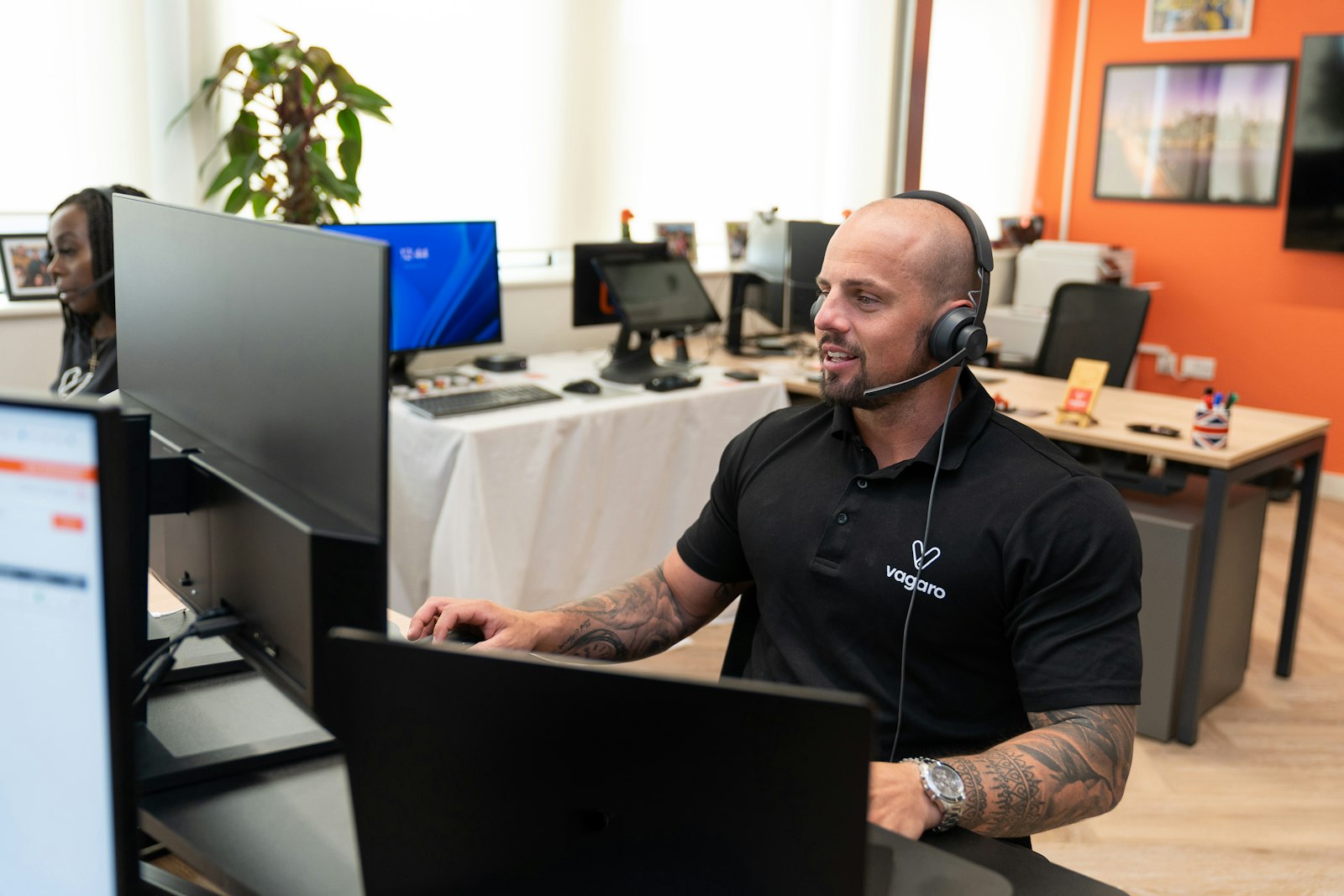
For customer service teams, Apple Messages for Business is a chance to move conversations off the phone queue and into asynchronous, context-rich chat. Apple’s channel policies require live support during regular business hours and forbid a bot-only solution. Done well, the channel lowers cost per contact and gives customers a place they already use every day.
Support without the app tax
Why Support Teams Adopt It
The headline benefit is call deflection. Routine questions — order status, account balances, appointment changes — resolve in chat without tying up a phone agent. Apple’s documentation stresses asynchronous messaging: customers are not stuck on hold, and one agent can handle several conversations at once.
Blending Bots and Live Agents
The strongest deployments pair automation with people. A bot greets the customer, authenticates them if needed, and resolves common intents instantly. When a conversation needs judgment, it escalates to a live agent with the full thread intact. The FAQ repeats that automation must include a live-agent path — this hybrid model is also what Apple reviews.
Authentication and Secure Servicing
Messages for Business supports authentication inside the conversation, so regulated brands can verify identity before discussing account details. That unlocks genuine servicing — not just FAQs — in banking, telecom, healthcare, and travel.
What to Set Up Before Launch
Get three things right: routing (which conversations go to bots, which to which team), staffing for asynchronous chat, and a clear escalation path. Your MSP provides the agent console and routing engine. Configure the brand identity in Apple Business Register before you go commercial.
Measure the Right Things
Track deflection rate, first-contact resolution, average handle time across concurrent chats, and CSAT. These reveal whether automation is genuinely helping or just deferring work to agents. For operational details, read the best practices guide, and see which brands already run support on the channel.
Official Apple Pages
Live-agent and async rules live in Apple’s policies and FAQ. Also see the documentation and Apple Business Register.